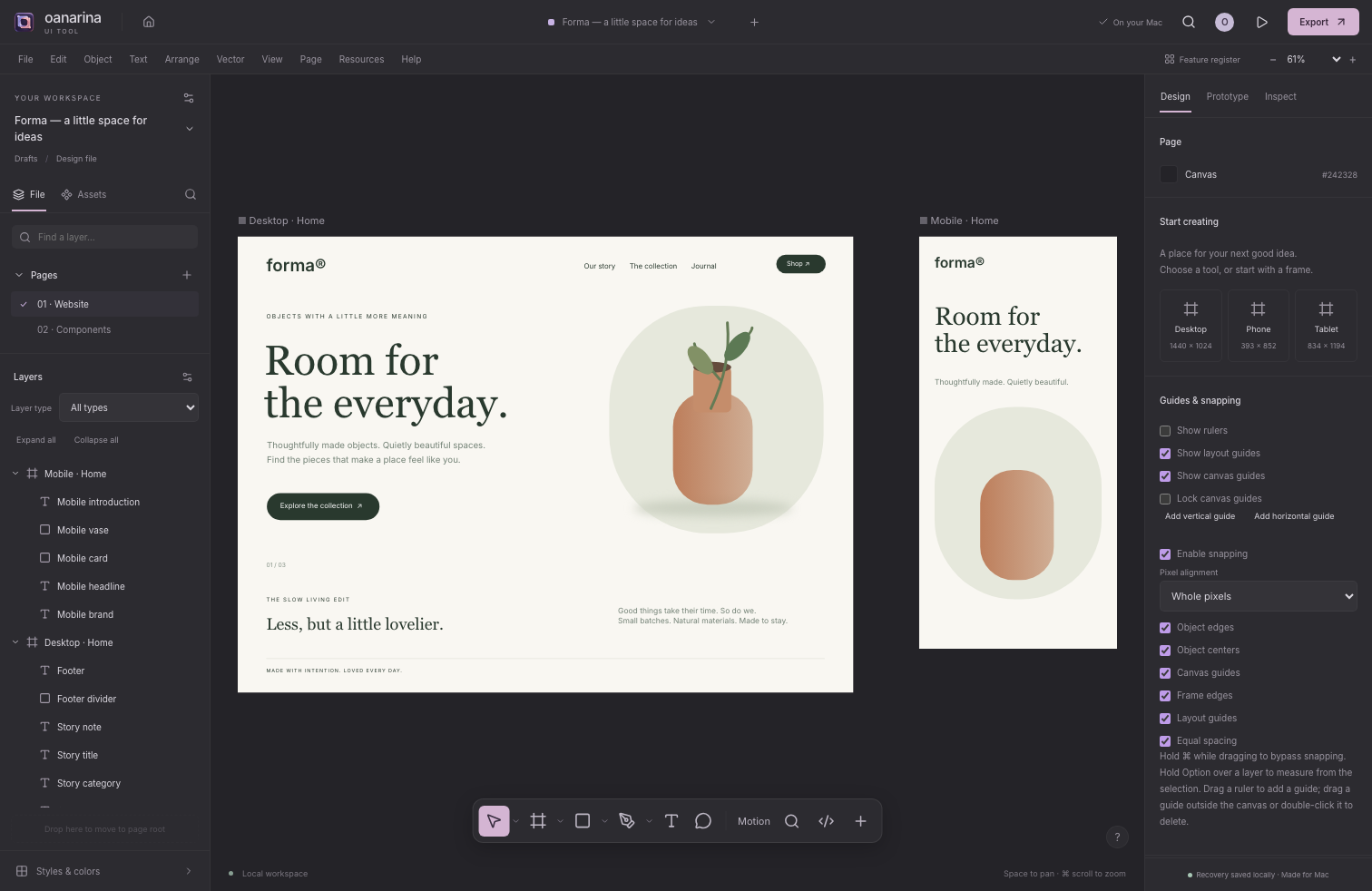
01 / Design
Find the shape of it.
Draw frames, refine a type hierarchy, mask an image, organize your layers and test a flow. Keep the artwork editable, save locally and export when it is ready.
Watch the design workflow →
Free Mac preview · no account
A little space for big ideas. Shape an interface, follow a thought, tell a story. An independent design studio with your files close to home.
0.2.0-dev.8 preview · Apple silicon and Intel · 31.7 MB. Developer ID-signed and notarized by Apple. Intel runtime validation is pending.
Watch the workflows · User guide · Privacy · Feature register
Forma is in active development, targeting Figma parity in stages. The Mac preview and browser demo are 0.2.0-dev.8, with substantial parity work still ahead. Windows comes later.
Real editor footage · development 0.2.0-dev.5 · synthetic example artwork
Header: generated sculptural transformation · Artwork and prompts
Open the canvas
Try the editable example, draw a frame or start a whiteboard. No sign-in. This browser demo runs the tested development build; save a .oui file to keep a portable copy of your work.
The editor loads only when you choose to open it.
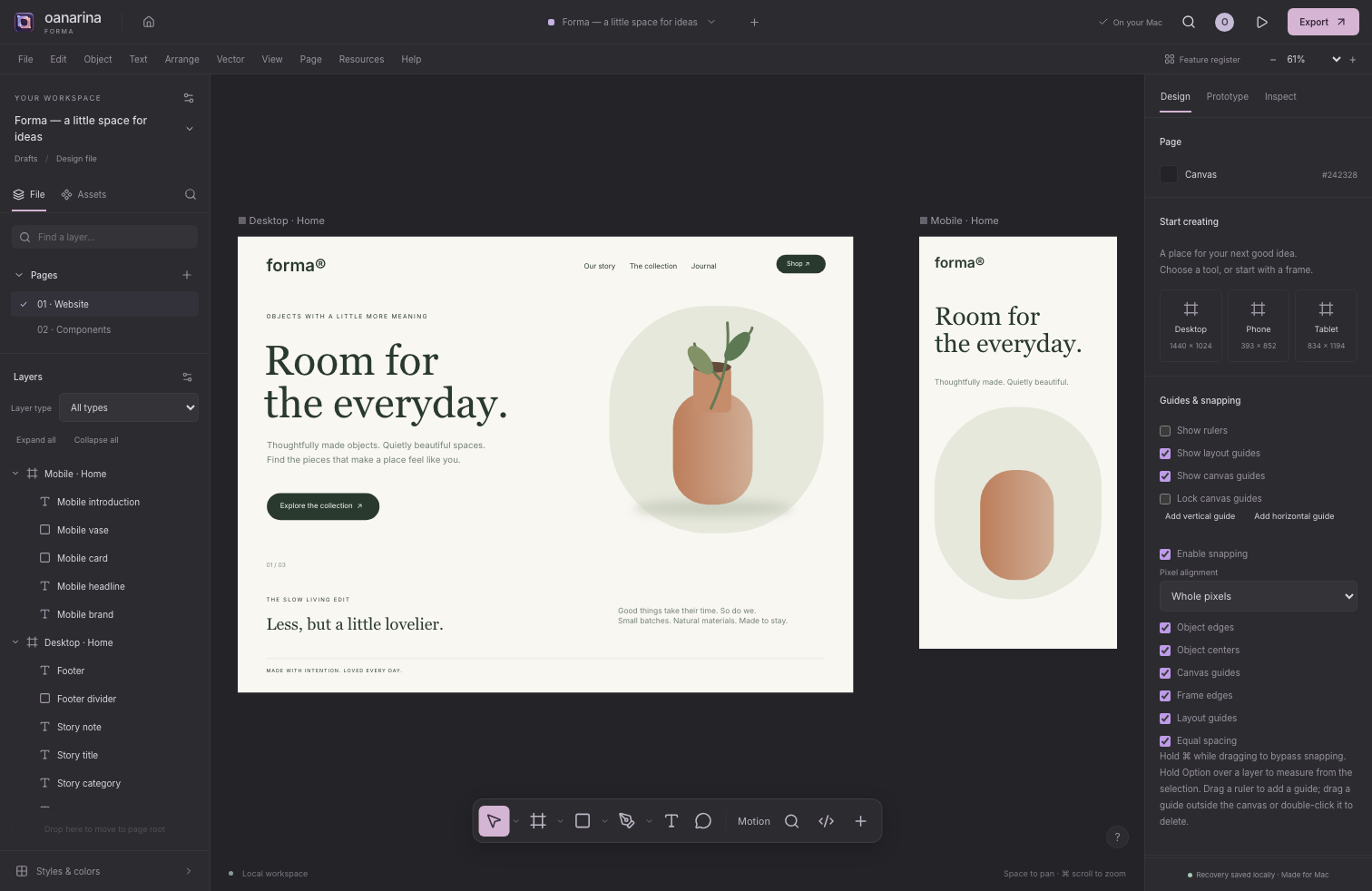
Explore layers, typography, editable shapes and three local workspaces. The example is yours to change.
Designed for a desktop-size workspace. On a small screen, scroll the editor horizontally or open it in its own tab. Browser recovery uses local storage and can be cleared by your browser; use File → Save project for a backup. Installed Mac fonts and native file dialogs are available in the Mac app, not this web demo. Read development limits.
See it in motion
Three short recordings from the working development editor. Choose a workspace, play the walkthrough, or jump to a step.
Recorded in 0.2.0-dev.5. The current 0.2.0-dev.8 preview includes these local workspaces and newer grid, file-library, Mac-window and native clipboard workflows.
One space. More possibilities.
Scroll across to explore the workspaces →
Draw frames, refine a type hierarchy, mask an image, organize your layers and test a flow. Keep the artwork editable, save locally and export when it is ready.
Watch the design workflow →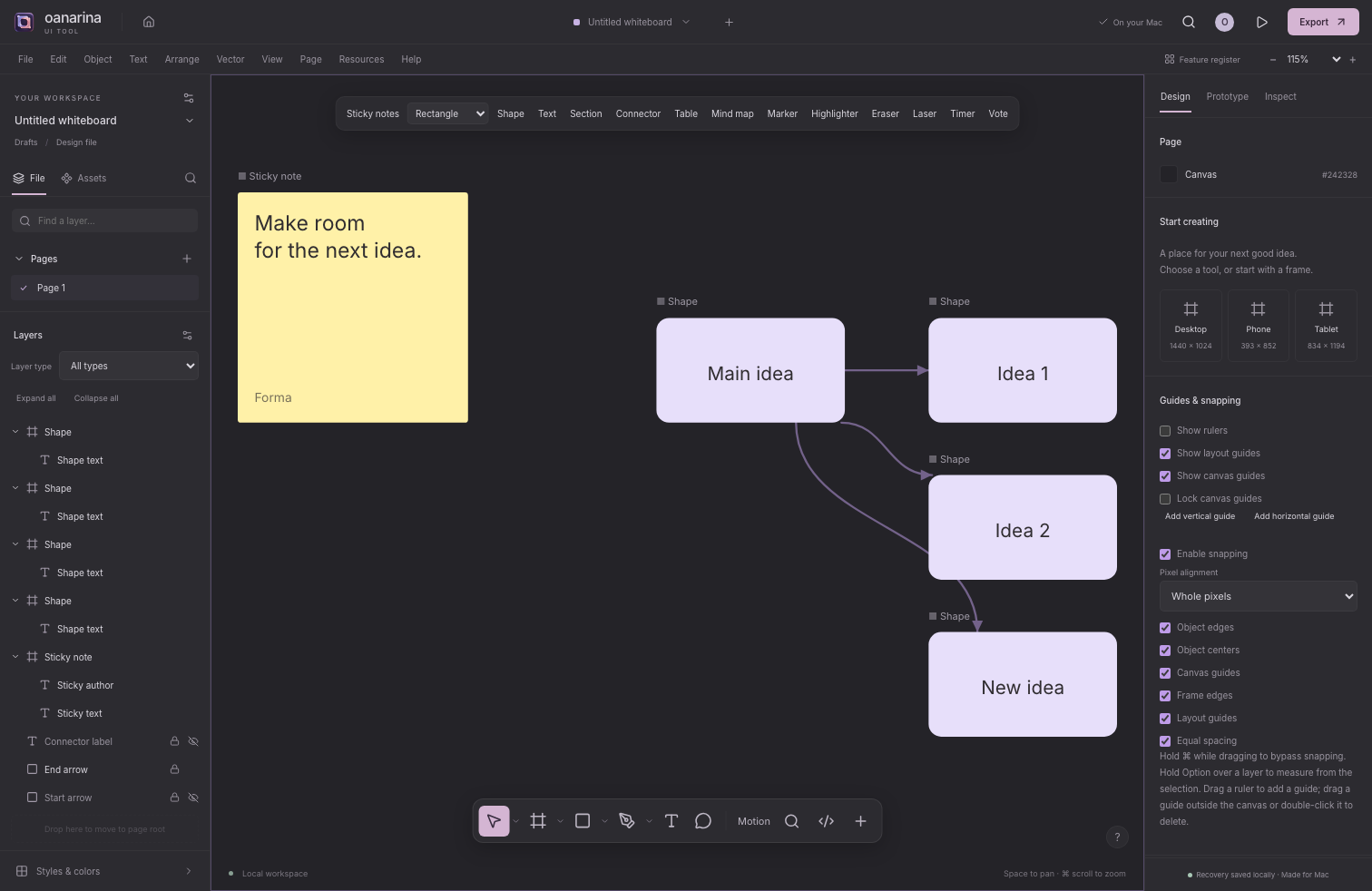
Sticky notes, mind maps, tables and anchored connectors make a place to think. Add ink, use a timer or hold a local vote on this device. Shared live collaboration is still planned.
Watch the whiteboard workflow →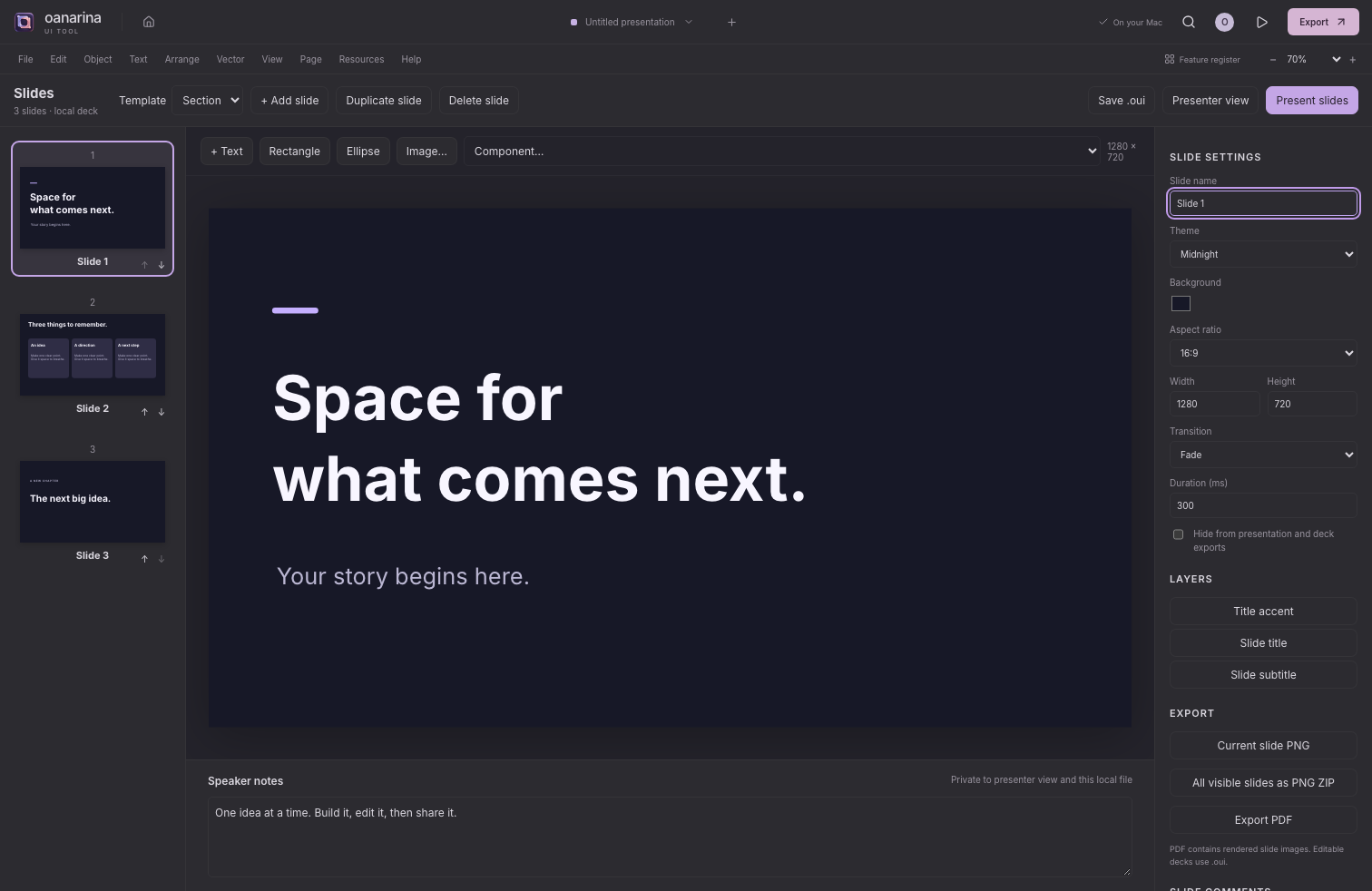
Build an editable deck with templates and themes. Add speaker notes, rehearse in presenter view, and export rendered slides as PNG or PDF. PowerPoint interchange remains planned.
Watch the slides workflow →Choose your starting point
Download the free 0.2.0-dev.8 preview as Forma.app. This universal Mac build is Developer ID signed, notarized by Apple, stapled and Gatekeeper checked. It includes the local workspaces and tools described below.
Download Mac dev.8macOS 13+ · universal Apple silicon & Intel binaryTry design, whiteboard and slides in the browser, or use the local automation tools. The development demo is a fixed 0.2.0-dev.8 snapshot and is not a finished Figma clone.
Open the live demo Read the guideNo account or subscription for local editor tools.Design foundations · current preview
Create shapes, frames, sections, straight pen paths and freehand drawings. Group layers, move and resize them, align edges and distribute spacing.
Search 1,959 Google Fonts families, preview your own text and download families when needed. Twenty-four popular families work offline. The Mac app also lists installed fonts.
Use basic rows, stacks or fixed-column grids with gap and uniform padding. Adjust dimensions, fills, strokes, typography, simple shadow and blur.
Organize pages and nested layers. Save portable .oui projects, undo changes, make local named snapshots, and return to recent files on this device.
Connect a layer to a destination frame and present simple click-through navigation. Add local canvas notes and inspect basic CSS for a selected layer.
Export SVG, PNG or JPEG at 1×–4×. The included Figma Bridge development plugin transfers a supported subset of editable layers through .oui, with reduction reports.
Current preview · 0.2.0-dev.8
The 0.2.0-dev.8 Mac preview and browser editor include the local tools below. Native document windows and installed-font discovery are Mac-specific. The recordings remain labeled dev.5 captures.
2,022 requirements across 60 categories · 1,045 implemented · 164 partial · 813 planned. Implementation status is separate from exact Figma reference verification.
Set fixed, fractional or hug tracks, limits, gaps and padding. Give direct children row/column positions and spans; resize a track edge with pointer or keyboard and Undo the change. Grid behavior and limits.
Browse thumbnails or lists, search and sort, organize flat local folders, star or pin files, and use Archive or recoverable Trash. Import validated .oui batches atomically; permanently removing a file requires confirmation. Local files and recovery.
Open separate Design, Whiteboard and Slides windows, route commands to the active document, reopen recent files and handle unsaved changes per window. Local sessions can restore available recovery copies. Window behavior and safeguards.
Editable sticky notes, labeled connectors, tables, mind maps, marker/highlighter ink, stamps, a local timer and local voting. Undo and .oui persistence share the design editor. Tools and limits.
Five editable templates, four themes, slide ordering, notes, comments and local presenter/audience views. Export PNG, a PNG ZIP or a rasterized PDF. Presentation guide.
Apply family, size, weight, italic, color, decoration and links to selected character ranges. Supported font axes and OpenType settings render locally; rich clipboard and .oui preserve formatting. Typography guide.
Author multiple actions, variables and conditions, overlays, scrolling, variant changes and transitions. Play flows locally with a separate preview state. Prototype guide.
Search 1,959 Google families; 24 work offline, with true italic files in 17 families. Import licensed TTF/OTF files, resolve missing families and embed available used faces within the 50 MB project limit. Fonts and licensing.
Review a supported SVG as editable shapes, paths, groups and text before adding it. See reductions, cancel safely, or choose a sanitized single visual asset. Unsupported masks, filters and other SVG behavior are reported. Import support and limits.
Use shapes, text, images or groups as alpha, vector or luminance masks. Keep the source and concealed artwork editable, change modes, release with Undo, and render actual mask coverage in SVG and PNG exports. Mask guide.
Navigate nested artwork, deep-select with Command, and use tree ranges and toggles. Drag layers to reorder or reparent with transform preflight, filter by type, expand descendants, and preview batch names before one undoable edit. Layer-tree guide.
Set nudge steps, rotation snapping, wheel zoom, right-button pan, retained drawing tools, hover/dimension display and new-artwork defaults. Settings stay on this device, outside project files, with validation and reset. Preferences guide.
Use a rotation handle, lock each layer’s aspect ratio, or Option-resize around its center. Align a child to its parent or a multi-selection in world space; Shift uses parent alignment. Unsupported skew is rejected before mutation. Transform behavior.
Search registered commands and drawing tools by name, category or related words. Use arrows and Enter to run a result, see shortcuts, and revisit 20 recent distinct actions. History stores command IDs locally and can be cleared. Action search.
Copy supported layers between Mac document windows with required local components, styles, variables, guides and available embeddable fonts. Paste is one undoable edit; stale or failed Cut keeps the source. Browser clipboard behavior remains separate. Clipboard scope and limits.
Set a page’s canvas color, opacity and visibility, then reset it to follow the theme. Undo and .oui preserve changes; frames, prototypes and artwork exports retain their own backgrounds. Canvas backgrounds.
Compare an explicit foreground/background pair, composite foreground opacity and review normal/large-text AA and AAA thresholds. Copy a supported selected solid paint; this is a helper rather than an automatic accessibility audit. Contrast checker.
For current development builds and version-two projects: nine stdio tools inspect and edit one explicitly selected saved .oui file, with validation, revision checks, atomic saving and in-process undo. Mac saves share the project lock and detect changed disk copies; reopen after automation. Node.js 22+ is required; no account, API key or server subscription. Set up the standalone server.
A few practical details
AppKit and WebKit provide the native window, menus, file dialogs and installed-font discovery. The editor runs locally. Save an editable project file for a durable backup.
| Version | 0.2.0-dev.8 preview · free · 31.7 MB |
|---|---|
| Mac | macOS 13 or later · universal Apple silicon & Intel build; Intel runtime validation pending |
| Project format | .oui · versioned editable JSON |
| Image placement | PNG, JPEG, WebP, GIF; reviewed editable SVG subset or sanitized visual asset |
| Exports | SVG, PNG, JPEG; editable .oui; Slides PNG ZIP and rendered PDF |
| Fonts | 24 offline families; remaining Google Fonts on demand; installed Mac fonts |
| Network | Core editing is local. Additional Google Fonts need a first download. Public editor resources use loopback only. |
| License | MIT application code; individual open font licenses |
A visible development plan
Browse the 0.2.0-dev.8 feature register across 60 categories. These statuses describe the current 0.2.0-dev.8 preview, not the archived v0.1.0 installer. Implemented means a reachable behavior; partial means a limited path; planned means it is absent. Exact reference parity and production validation remain ongoing.
1,045 implemented · 164 partial · 813 planned
Before you begin
No. Forma is an independent app with a large parity roadmap. The notarized Mac preview and browser demo are 0.2.0-dev.8. They have documented limits, and substantial parity work remains.
Use the Figma Bridge development plugin for a supported subset of editable .oui layers and linked components, or SVG for visual exchange. Read its transfer report and compatibility guide. Binary .fig import/export is not implemented.
The catalog has 1,959 Google Fonts families as of October 29, 2026, with 24 popular families bundled. Other families download when selected. Commercial fonts can be used when installed and licensed; they are not redistributed. The current preview includes genuine italic faces, licensed TTF/OTF import and missing-family replacement; font licensing and embedding limits still apply.
Core editing, bundled fonts and project files work locally. Additional Google Fonts need a network connection the first time. Browser recovery has storage limits; save a .oui file for a portable backup. The standalone MCP server is also local and requires Node.js 22+; it does not synchronize a currently open editor.
Mac is the first platform. Windows is planned after the Mac workflow is further developed and validated.
Read the user guide, browse the feature register, or send feedback through the contact page.